Loom grid & named decks
Browse swatches on the Loom, stack chips into decks for each job, and reopen palettes when the brief returns.
TWR Ochreloom
Collect swatches on the Loom, name decks for each job, and copy hex or RGB when the surface is ready — without treating color like a one-off picker.
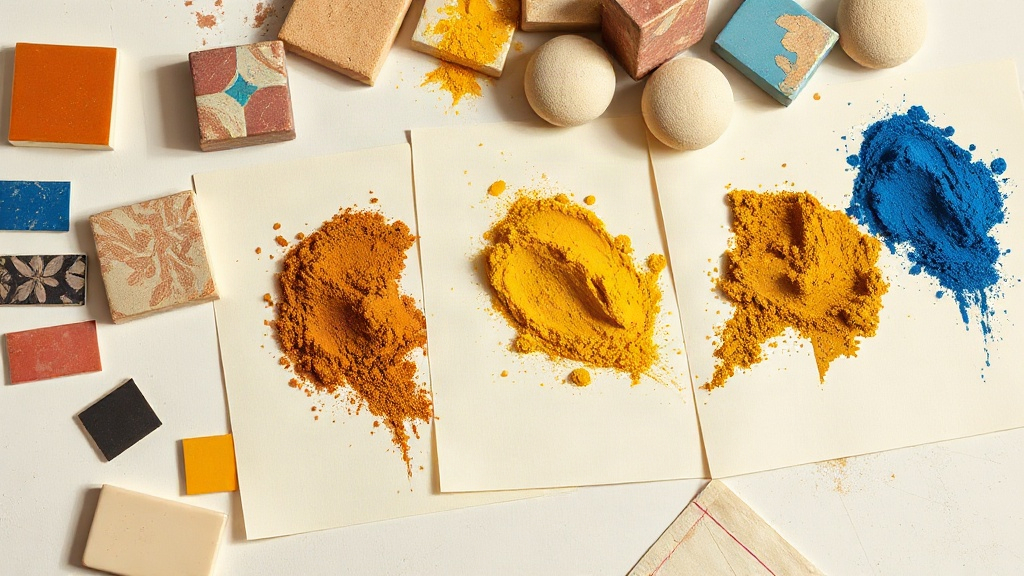
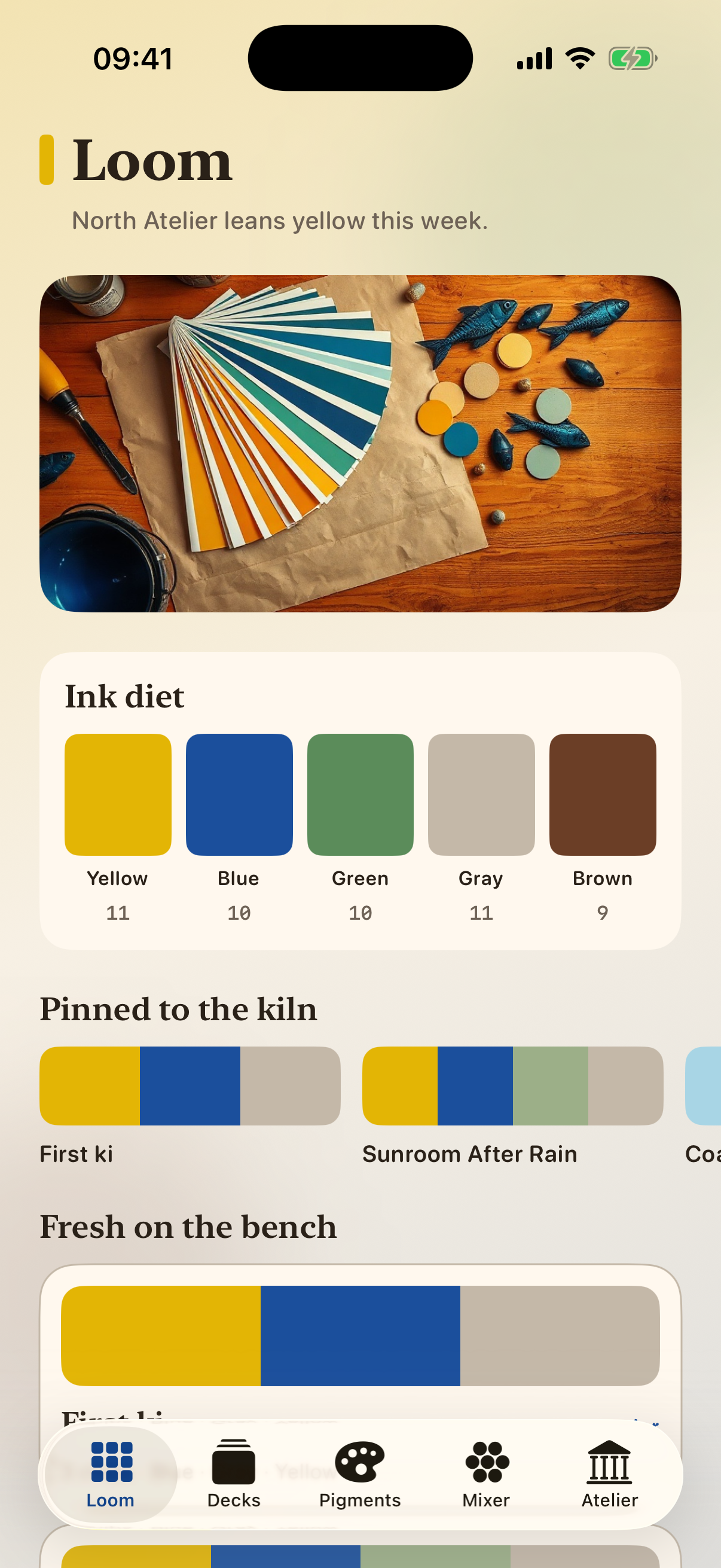
Five tabs — Loom, Decks, Pigments, Mixer, and Atelier — keep mixes intentional.
Browse swatches on the Loom, stack chips into decks for each job, and reopen palettes when the brief returns.
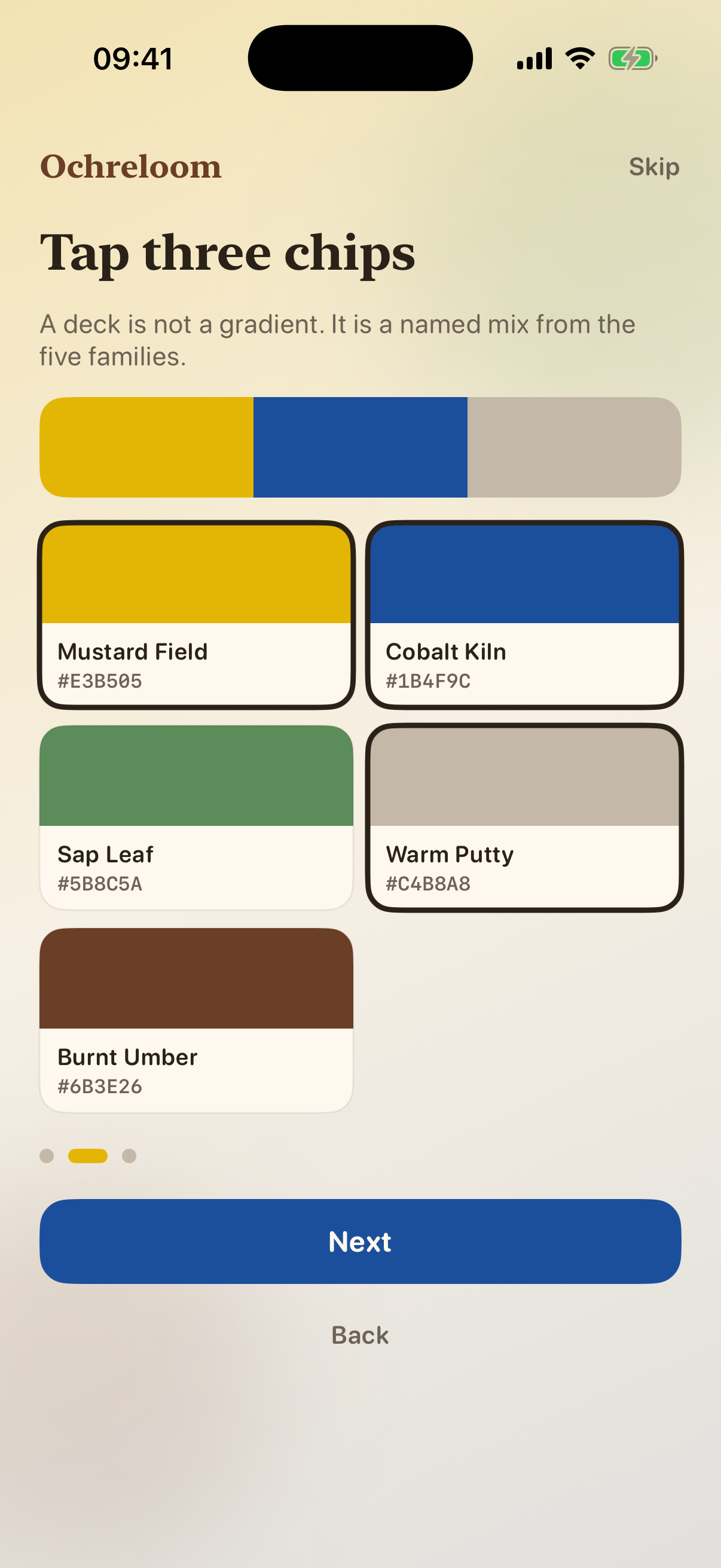
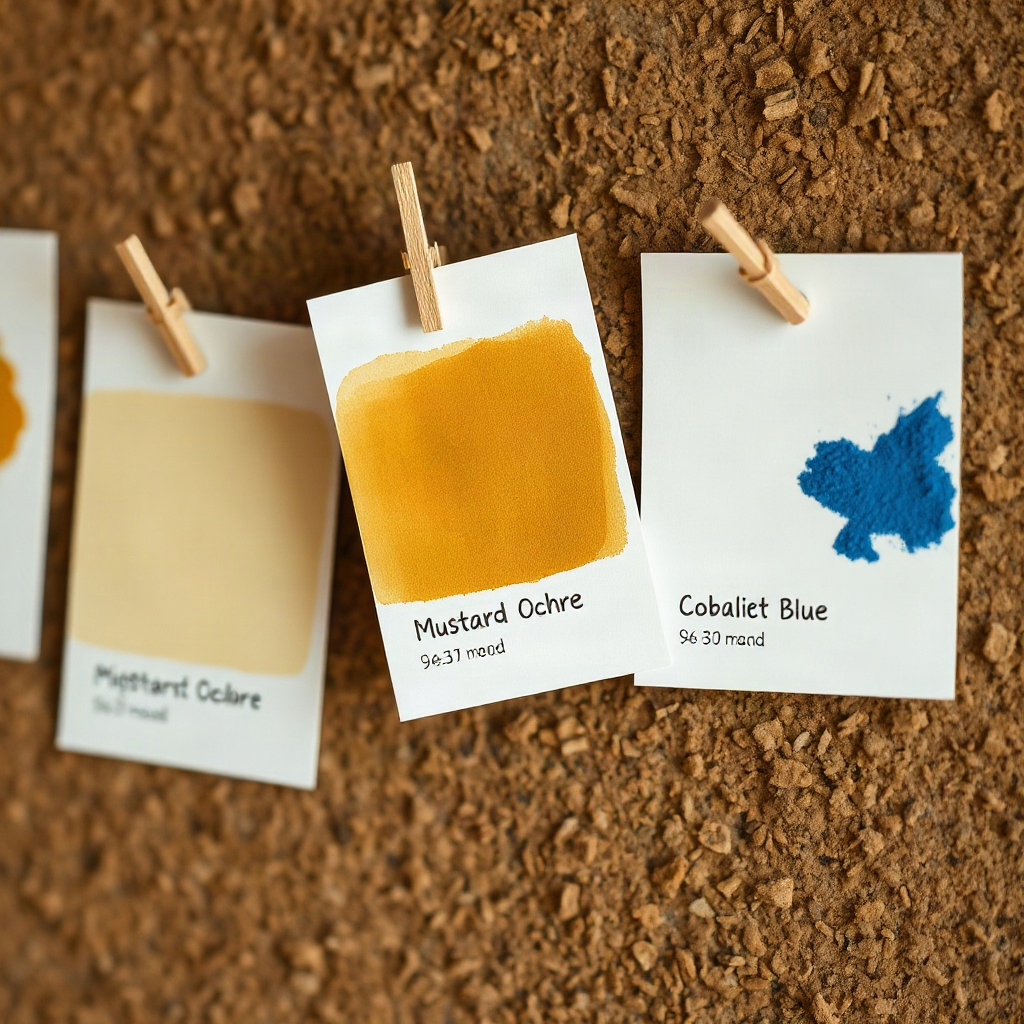
Yellow, blue, green, gray, and brown families stay organized so ochre, cobalt, and umber stay comparable.
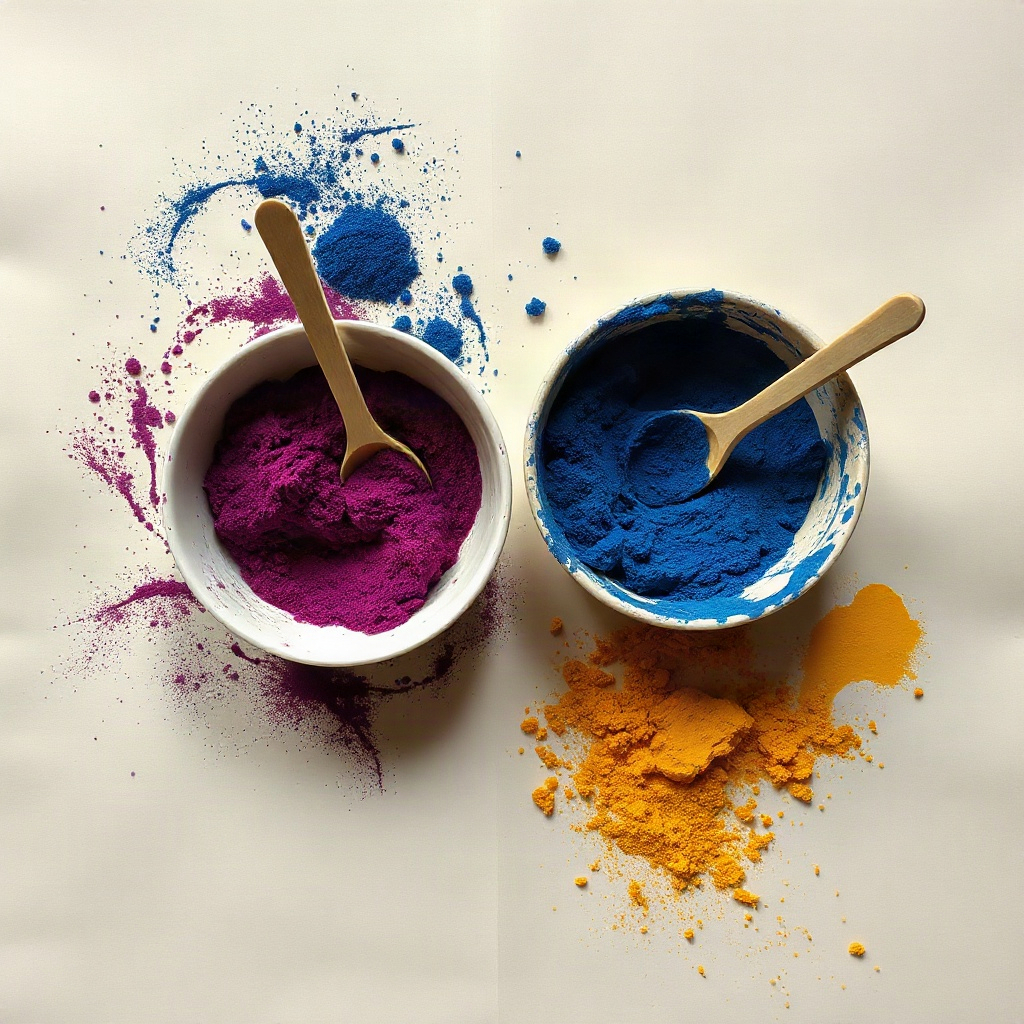
The kiln mix opens only after three intentional chips — save slip tickets and copy codes when the wall or page is ready.
Cream-paper clarity for decks, families, and kiln mixes on iPhone.
Effective date: November 2, 2026
TWR Ochreloom does not collect personal data. Decks, mixes, and preferences you create are stored on your device. We do not sell or share your information with third parties for advertising.
If you contact us by email, we use your message only to respond to your request.
Questions about decks, mixes, or color codes? Email mrgeorgipetrov@gmail.com.